01
छोटा test चुनें
Longer subscription लेने से पहले short plan से route जांचें.
Travel, public networks, clients और शांत VPN setup पर practical guides.
Indian users के लिए practical checklist: Telegram, mobile data, public Wi-Fi, DNS, compatible clients और realistic रूट expectations.
5 मिनटPlan चुनें, key पाएं, उसे Happ या दूसरे compatible client में import करें और IP, DNS व apps जांचें.
6 मिनटClient, key, नेटवर्क, DNS, battery restrictions और रूट issues के लिए छोटा checklist.
अगर आप पहली बार Outlivion कनेक्ट कर रहे हैं, setup material से शुरू करें. इसमें छोटा path समझाया गया है: key लें, compatible client में खोलें, VPN profile allow करें और IP, DNS, Telegram, browser व work services जांचें.
अगर connection already exists है लेकिन sites नहीं खुलतीं या speed expected से कम है, troubleshooting पर जाएं. Device, client, network और DNS checks local issues को route issues से अलग करने में मदद करते हैं.
India और free-vs-paid materials payment या travel से पहले risk evaluate करने के लिए हैं. ये हर network पर access promise नहीं करते: stability operator, device, client, route और current restrictions पर depend करती है.

Indian users के लिए practical checklist: Telegram, mobile data, public Wi-Fi, DNS, compatible clients और realistic रूट expectations.
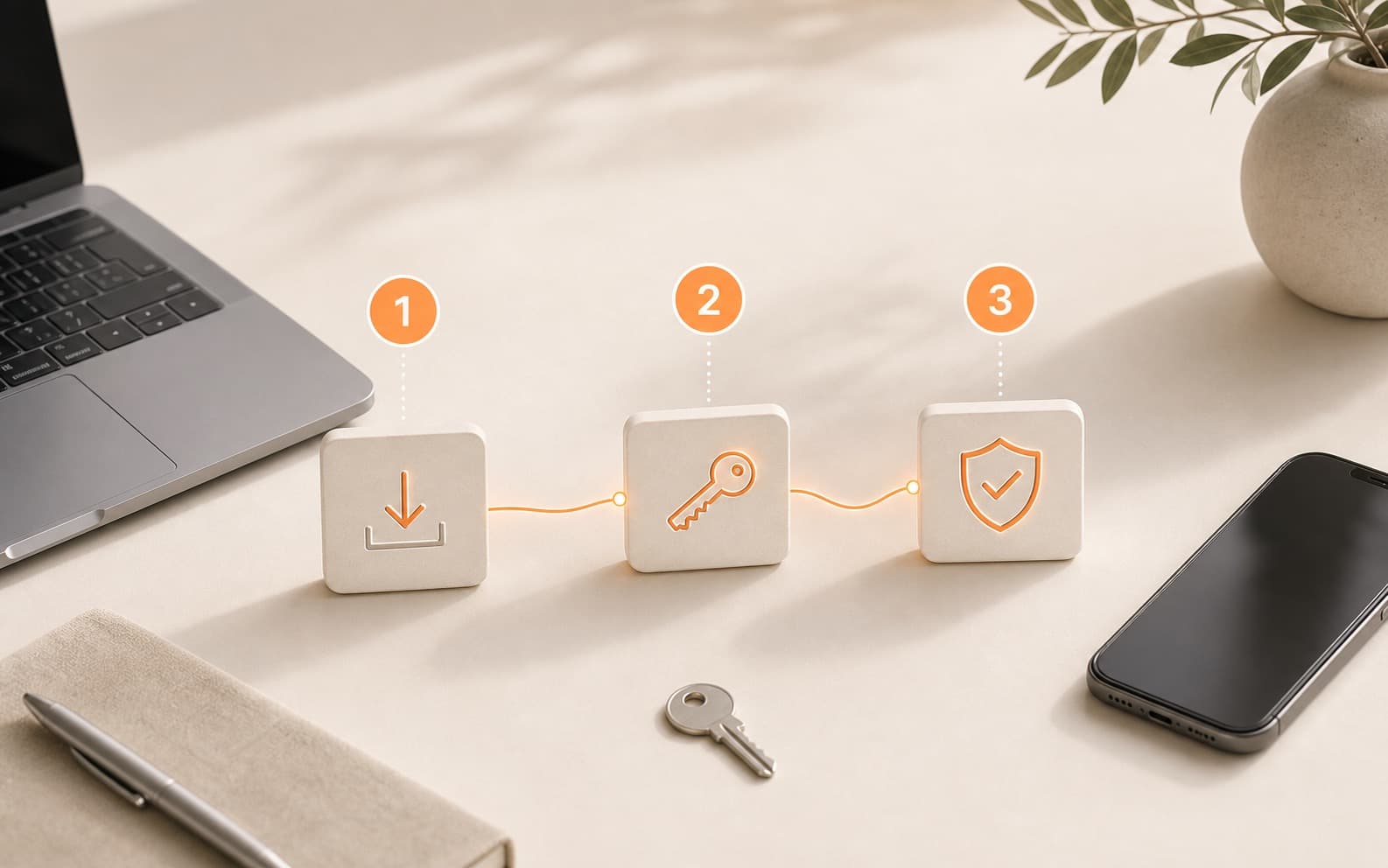
Plan चुनें, key पाएं, उसे Happ या दूसरे compatible client में import करें और IP, DNS व apps जांचें.

Client, key, नेटवर्क, DNS, battery restrictions और रूट issues के लिए छोटा checklist.

Free रूट्स experiments के लिए useful हो सकते हैं, लेकिन regular एक्सेस को भरोसा, instructions और सहायता चाहिए.

Keys, clients, रूट्स और protocol names से ज्यादा testing क्यों matter करती है, इसका सरल explanation.

छोटे paid test से अपने real mobile network, Wi-Fi और devices पर route जांचें.
Longer subscription लेने से पहले short plan से route जांचें.
भुगतान के बाद key को Happ या दूसरे compatible client में import करें.
जिस network पर VPN चाहिए, वहाँ Telegram, browser access, DNS और speed test करें.