01
Choose a short test
Start with a short plan so you can check the route before committing to a longer subscription.
Practical materials about travel, public networks, clients and calm VPN setup.
A practical checklist for Indian users: Telegram, mobile data, public Wi-Fi, DNS, compatible clients and realistic route expectations.
5 minChoose a plan, get a key, import it into Happ or another compatible client and check IP, DNS and apps.
6 minA short checklist for client, key, network, DNS, battery restrictions and route issues.
If you are connecting Outlivion for the first time, start with the setup material. It explains the short path: get the key, open it in a compatible client, allow the VPN profile and check IP, DNS, Telegram, browser and work services.
If the connection already exists but sites do not open or speed is lower than expected, move to troubleshooting. Device, client, network and DNS checks help separate local issues from route issues.
The India and free-vs-paid materials are for evaluating risk before payment or travel. They do not promise access on every network: stability depends on operator, device, client, route and current restrictions.

A practical checklist for Indian users: Telegram, mobile data, public Wi-Fi, DNS, compatible clients and realistic route expectations.
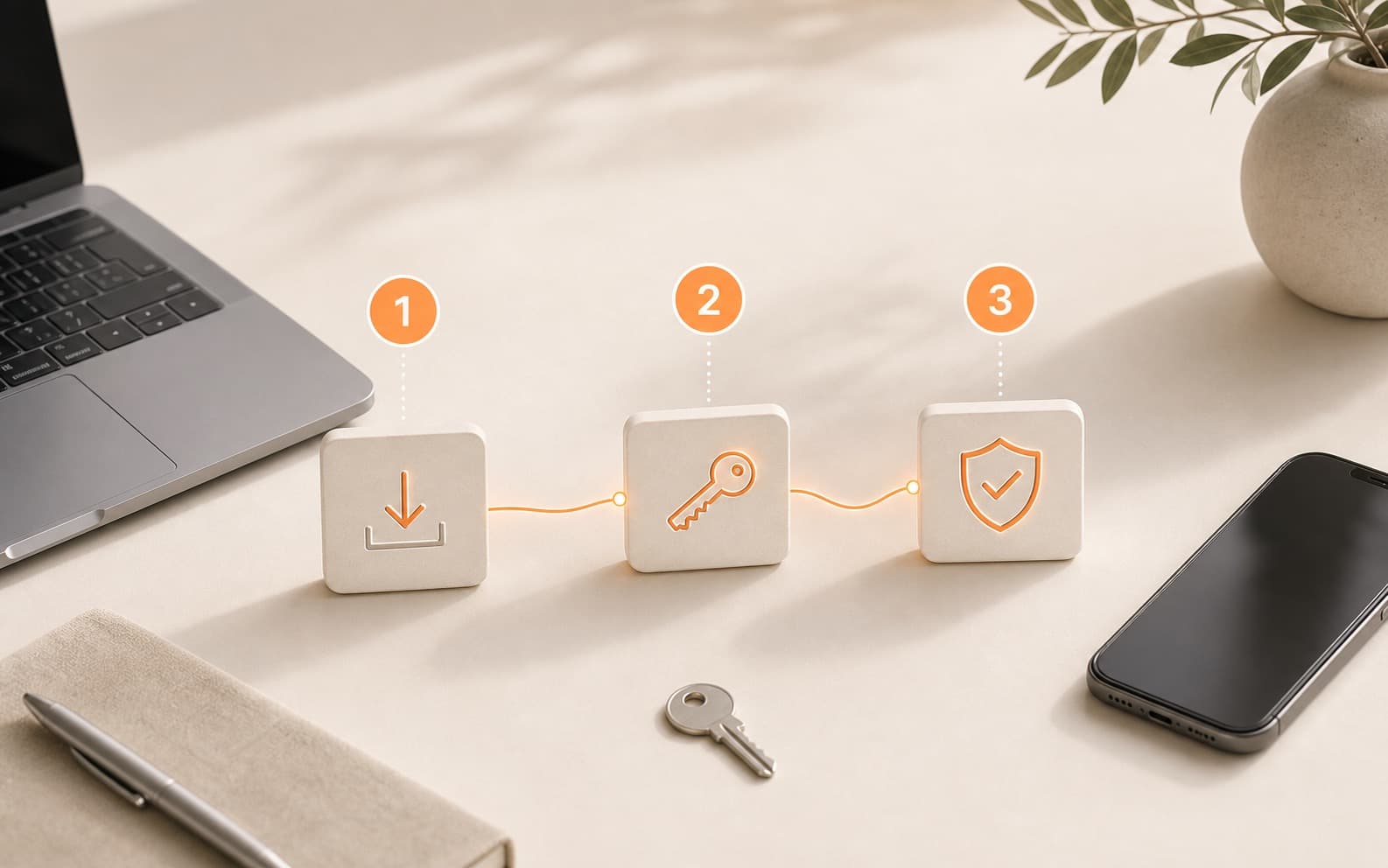
Choose a plan, get a key, import it into Happ or another compatible client and check IP, DNS and apps.
A short checklist for client, key, network, DNS, battery restrictions and route issues.
Free routes can be useful for experiments, but regular access needs predictability, instructions and support.

A user-friendly explanation of keys, clients, routes and why testing matters more than protocol names.

Use a short paid test to check the route on your real mobile network, Wi-Fi and devices.
Start with a short plan so you can check the route before committing to a longer subscription.
After payment, import the key into Happ or another compatible client.
Test Telegram, browser access, DNS and speed on the network where you actually need VPN.