Blog
5 min20 Jun 2026Setup

How to set up Outlivion VPN

Choose a plan, get a key, import it into Happ or another compatible client and check IP, DNS and apps.

How to set up Outlivion VPN

Outlivion does not require a heavy proprietary app. You receive an access key and use it with a compatible VPN client.

The setup should be tested before travel, work calls or public Wi-Fi sessions. This keeps the connection ready when access becomes urgent.

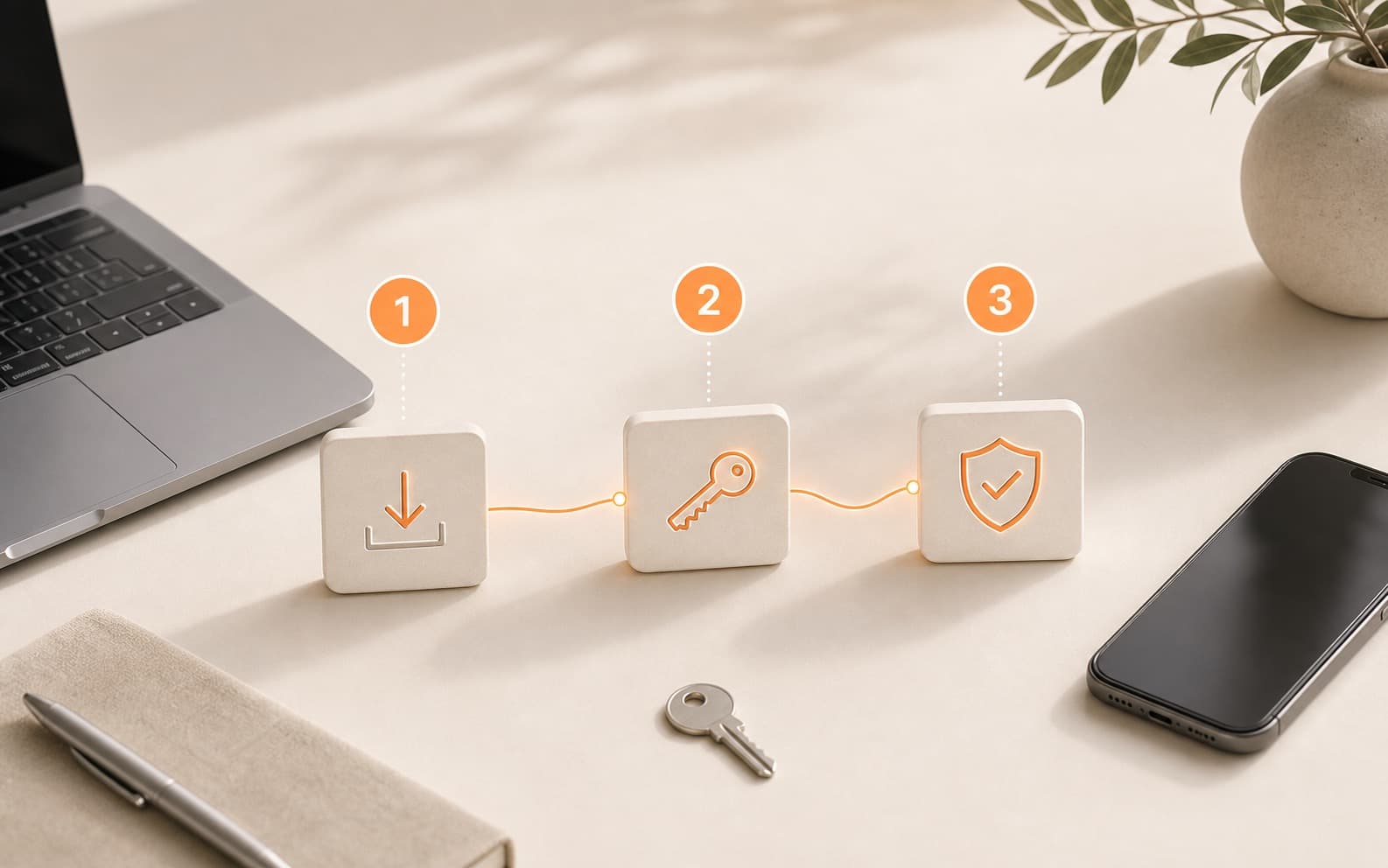
Basic setup steps

The exact client may differ by device, but the flow stays the same.

  • choose a plan;
  • get the access key;
  • install Happ or another compatible client;
  • import the key;
  • check IP, DNS and important apps.

Test Outlivion VPN before a long plan

Use a short paid test to check the route on your real mobile network, Wi-Fi and devices.

Start VPN test
01

Choose a short test

Start with a short plan so you can check the route before committing to a longer subscription.

02

Get your VPN key

After payment, import the key into Happ or another compatible client.

03

Check real apps

Test Telegram, browser access, DNS and speed on the network where you actually need VPN.