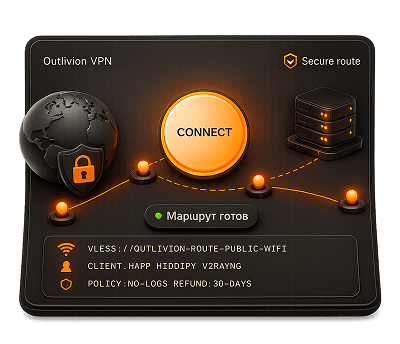
What is Outlivion VPN
VPN access for travel, public Wi-Fi and everyday networks. Import the key into a compatible client.
Outlivion helps keep Telegram, work services and everyday websites reachable through VLESS + Reality while traveling, using public networks or working every day.
VPN access for travel, public Wi-Fi and everyday networks. Import the key into a compatible client.
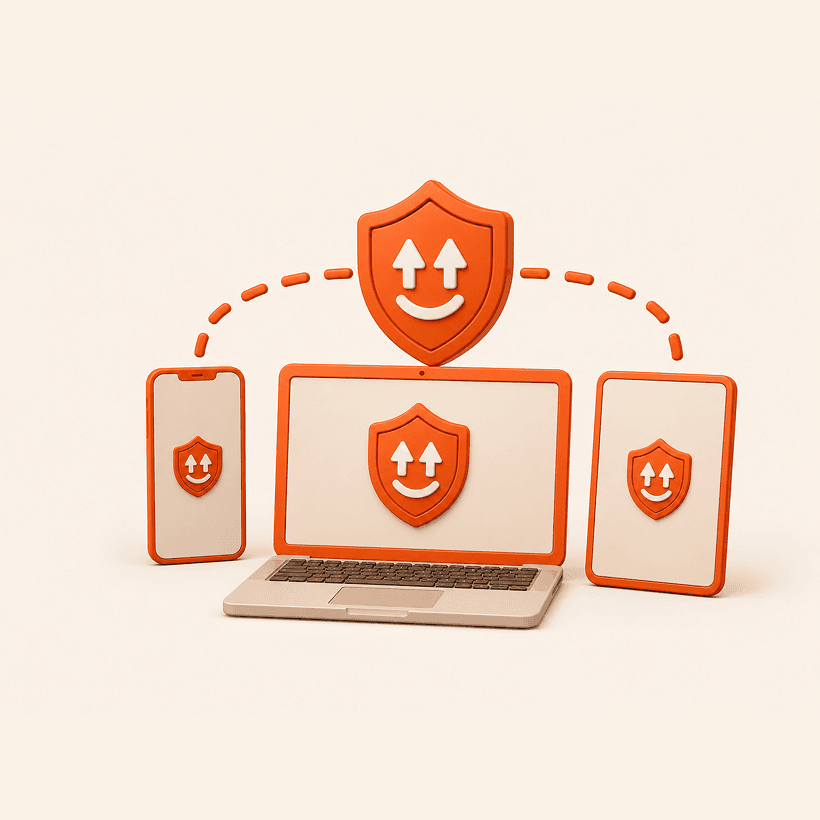
For Telegram, work services, phones and laptops. Useful when networks behave unpredictably.
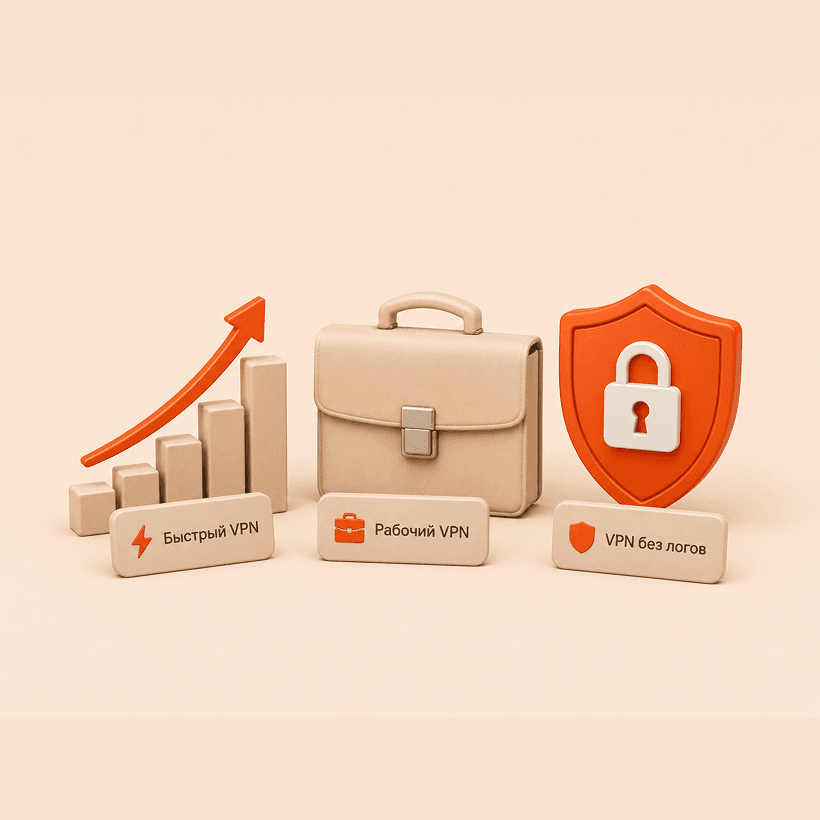
Work access, fast routes and privacy-focused setup. Practical scenarios for testing a VPN connection.
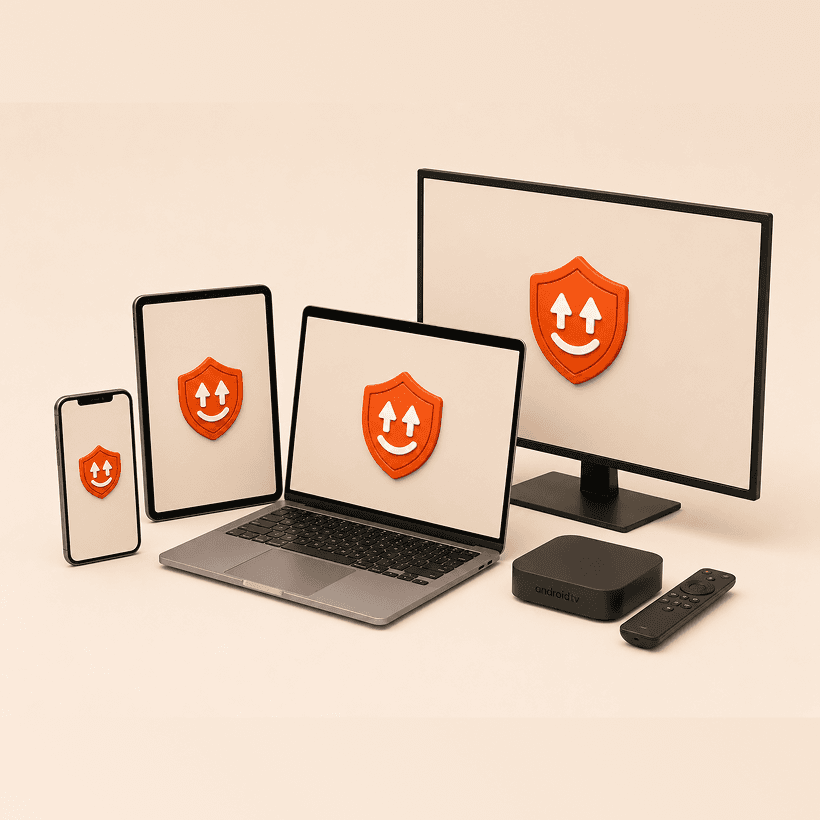
Android, iPhone, Windows, Chrome, Mac, Linux, Android TV and highlighted VPN routes.

Germany, Netherlands and Kazakhstan are highlighted as routes that can be checked in advance.
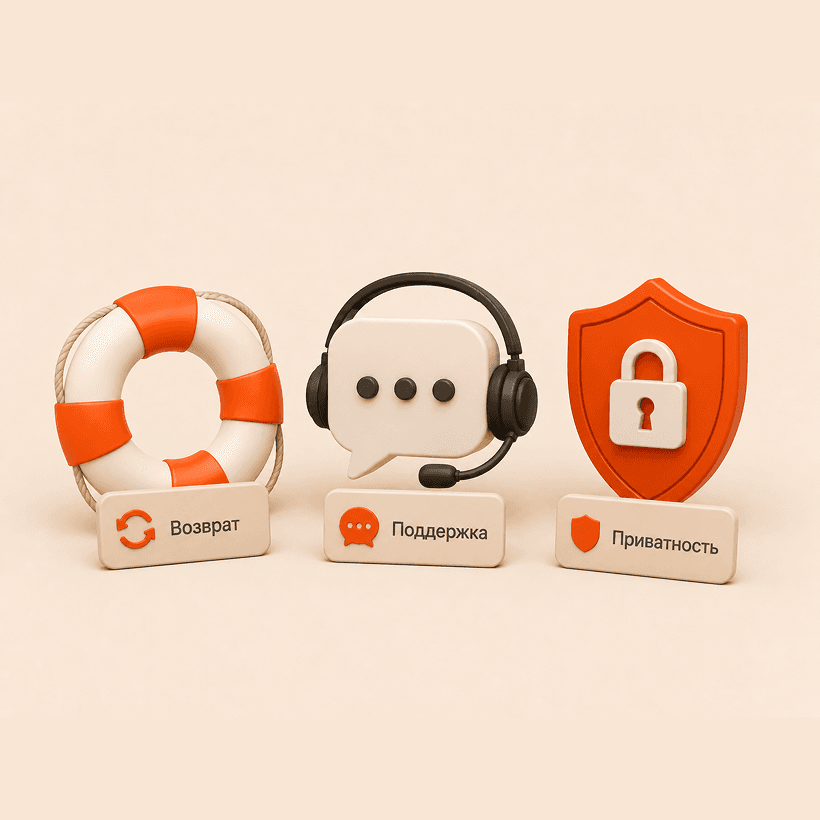
You get a clear path: plan, access key, compatible client and support if the network behaves poorly.

Outlivion helps prepare access in advance so important services stay reachable while traveling.
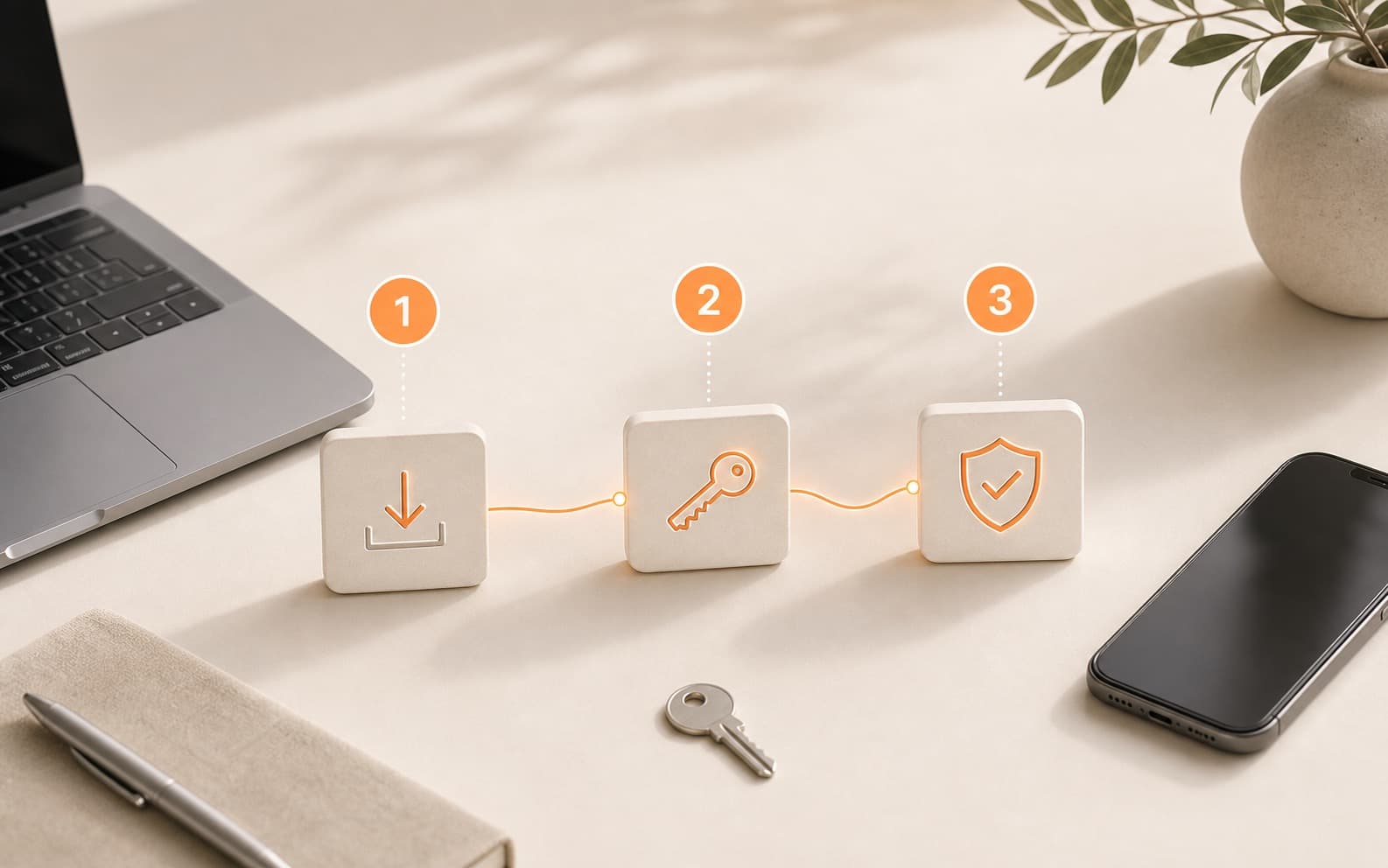
The connection follows a simple path: choose a plan, get a key, import it into a client and check the route.
Check the network before travel, keep a backup path and avoid fixing access at the airport.
Prepare VPN in advance and check the route through mobile data.
Scenarios, devices, support and plans are organized into one clear connection path.
Honest limits, a clear privacy policy and a practical connection scenario matter more than loud claims.
Enough time to test the service at home, on the road and on the network where access actually matters.
Happ, Hiddify, v2rayNG and other clients provide a flexible way to connect without a heavy app-first model.
Support, Telegram bot and community chat, so help does not depend on one communication channel.
After payment, the scenario does not end with a receipt: you need a key, instructions, a client and a clear way to check the connection.
First separate a device issue from a network or route issue. Support can move faster when you send a short technical context.
The test is not just a discount. It is a short check of the device, network, speed and use case before buying a longer term.
Real reviews can be added later only with user permission and without personal data. This block does not contain invented ratings or fake cases.

Set up VPN in advance, test the key and client, then use your usual services while traveling, working or using public networks.
Start test
Use a short paid test to check the route on your real mobile network, Wi-Fi and devices.
Start with a short plan so you can check the route before committing to a longer subscription.
After payment, import the key into Happ or another compatible client.
Test Telegram, browser access, DNS and speed on the network where you actually need VPN.